At Microsoft’s annual partner conference Inspire 2023 Microsoft 365 Backup and Microsoft 365 Archive was announced. It adds backup and archive features to Microsoft 365.
What is backed up? (July 2023)
Microsoft 365 Backup covers OneDrive, SharePoint Online and Exchange data. It can backup single selected contents or all. E.g. a selected SharePoint site, a selected mailbox, a selected OneDrive.
Restoring should be possible granularly on item-level as mentioned in the announcement, e.g. file, site, and mailbox items. To find objects to restore them search capabilities are included.
Administration is accomplished via Microsoft 365 admin center.
Third party backup services can utilize the given Microsoft 365 backup APIs.
What’s archived by Microsoft 365 Archive?
As stated in the announcement it’s focus is on SharePoint collaboration data.
…keep inactive or aging data within SharePoint…
Announcement Microsoft 365 Backup and Microsoft 365 Archive
…Select and archive or reactivate full sites…
Announcement Microsoft 365 Backup and Microsoft 365 Archive
It covers site-level archiving of SharePoint sites. Archiving on file level is planned for H2 2024.
Microsoft’s 365 admin, security and compliance capabilities are widely supported as mentioned in the announcement.
Administration is accomplished via SharePoint Online admin center.
Microsoft 365 Archive is planned to be in public preview in Q4 2023.
Backup APIs accessibility by third party providers?
Microsoft says that it is going to provide backup APIs to enable third party providers. Early partners who are working on utilizing the API are: AvePoint, Barracuda, CommVault, Rubrik, Veeam, and Veritas.
Update January 18, 2024
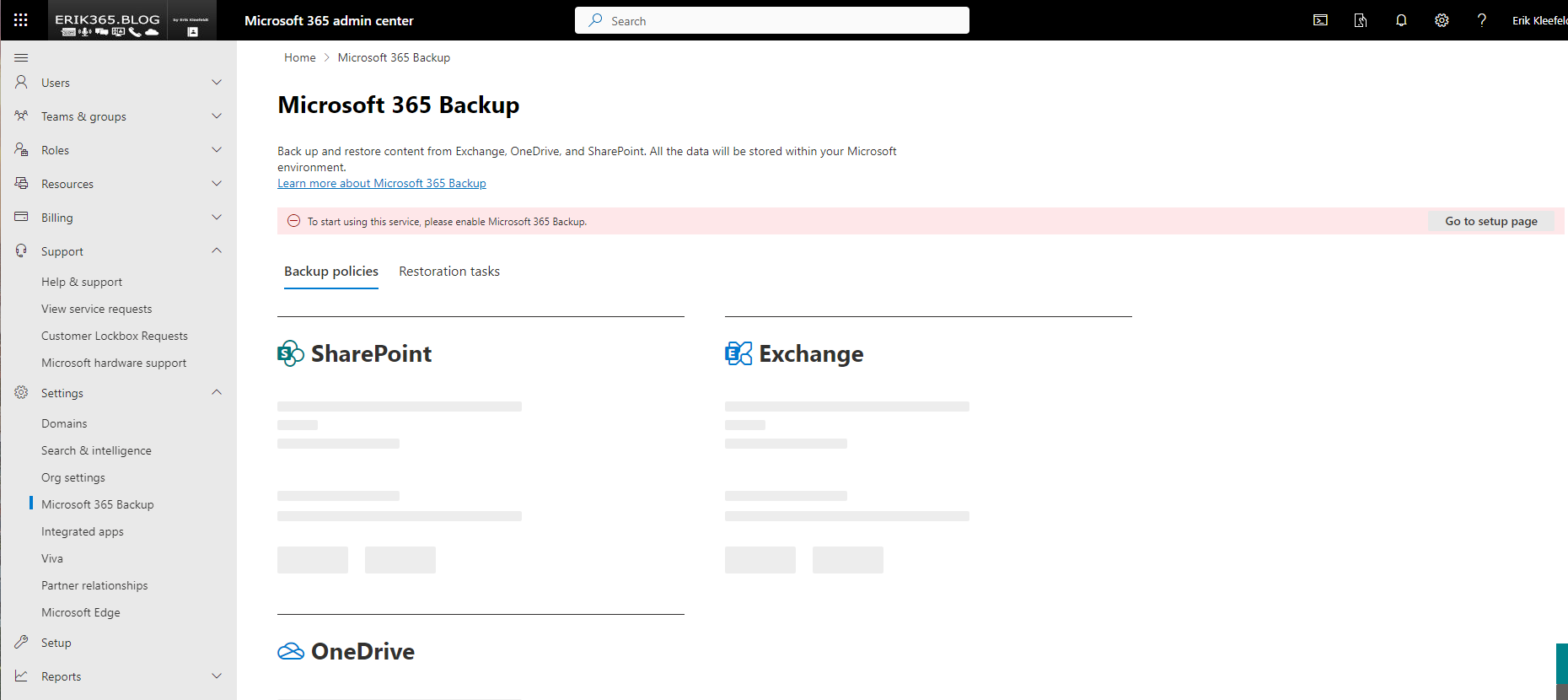
Today, I noticed that the Microsoft 365 Backup is available in my tenant. It can be found and set up under https://admin.microsoft.com/ in the settings section and Microsoft 365 Backup.






 erik365.blog
Comment / Kommentar verfassen