
Did you notice the changed Teams app management in the Teams Admin Center? As you know there were basically two points to manage Teams apps for your organization. The “Manage apps” and the “Permission policies”. Microsoft has consolidated this into the “Manage apps” space.
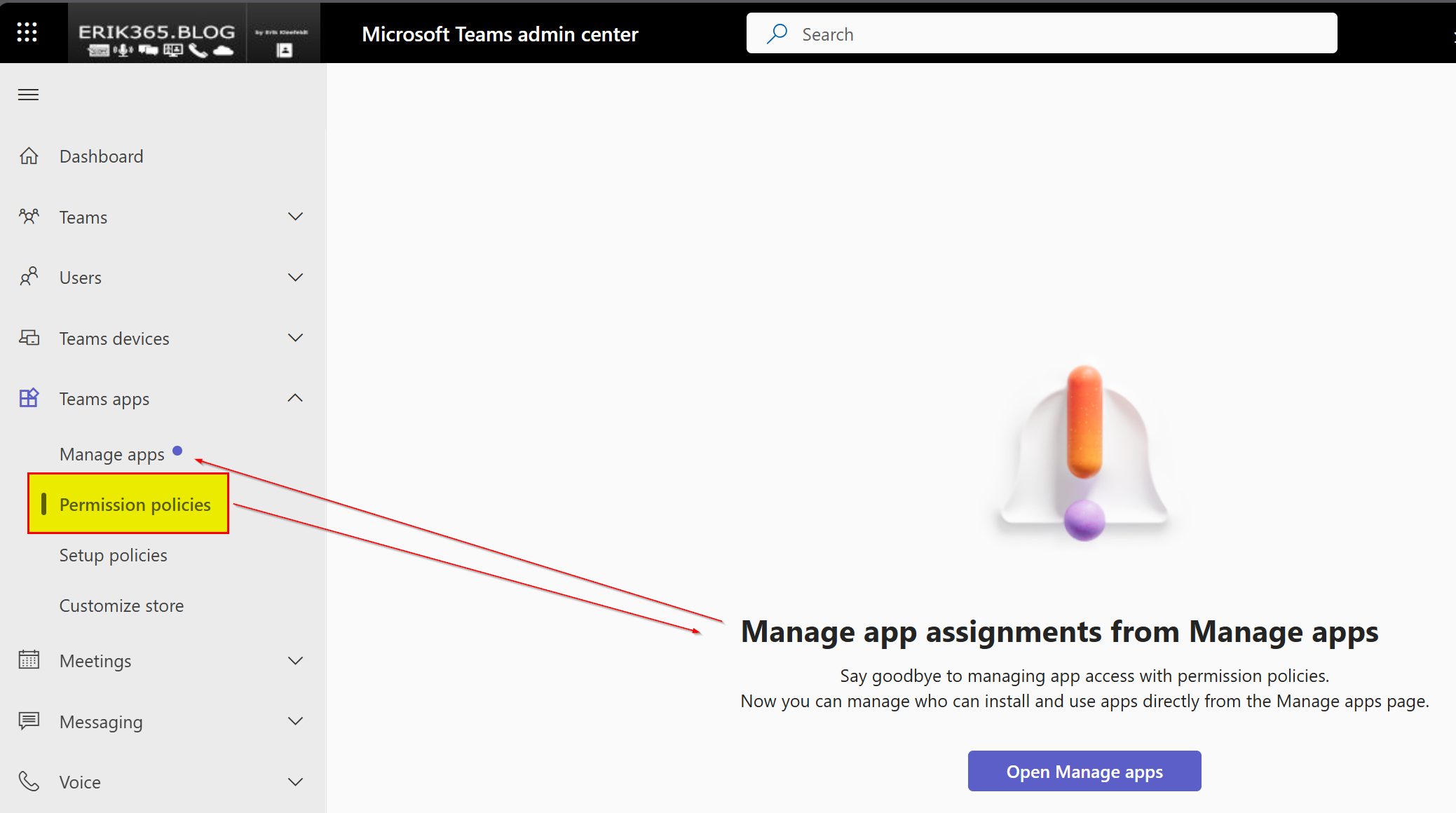
It was informed about this change in the Message Center notification MC688930 by Microsoft. The original notification was released Nov 11, 2023 and was recently, on June 7, 2024 updated. The update mentions that the second phase is planned to be finished by the end of June 2024. In total the change is split up into three phases. In the first and second phase you’ve got the time to migrate to the new approach, e.g. migrate and test custom permission policies to the new permission concept within the “Manage app” section. The third phase will automatically finish the change but in the Message center notification is mentioned that Microsoft is going to update the notification including more details to the third phase.
So in case you have still custom permissions policies left, you might better check what’s configured in those in order to migrate them to the new model. Or you start over by configuring it the new way. Depending on the amount of custom permission policies this could be a solution as well.
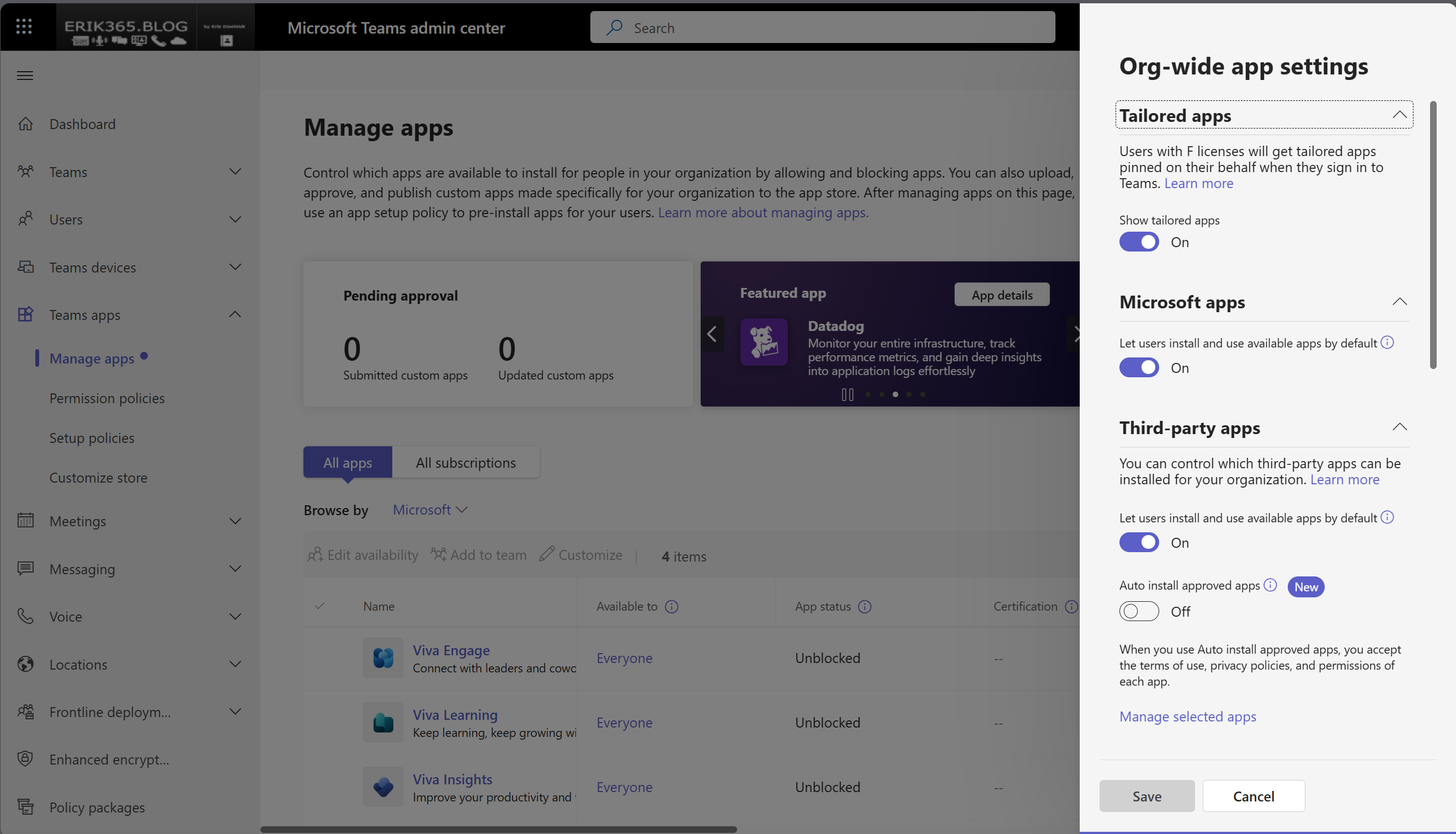
How to migrate to the new app centric management is well documented. The following screenshot shows that you can now enable specific users or groups directly in this “Manage apps” section or block a selected app.

Other org-wide settings are similar and can be found on the upper right corner on the “Action”-menue.
Conclusion, opinion and summary
In case you have many custom permission policies in your organization you might better migrate and test them. Otherwise it could be the later on a chaotic permission and app access is in place. Especially if you have many permission policies you might become difficulties in identifying which permissions should be applied to which users or groups depending on your current configuration and Teams app permission concept. It also might be a good idea to follow the MC688930 to keep track on what’s up next (beyond June 2024) by Microsoft for this change.
Resources
- Microsoft 365 Message Center feature ID MC688930 – Teams admin center: App centric management and changes to app permission policies
- Manage your apps in the Microsoft Teams admin center – Microsoft Teams | Microsoft Learn
- App centric management to manage user access to Teams apps – Microsoft Teams | Microsoft Learn







 erik365.blog
Comment / Kommentar verfassen