
In this post, I would like to highlight the upcoming rollout of support for Administrative Units (AUs) in Microsoft Teams. Administrative Units (AUs) enable companies, commonly with many admins, sites and granular administrative restrictions, to scope administration or management on users and objects within specific Administrative Units (AUs). Microsoft has scheduled the feature’s rollout to start in August 2024.
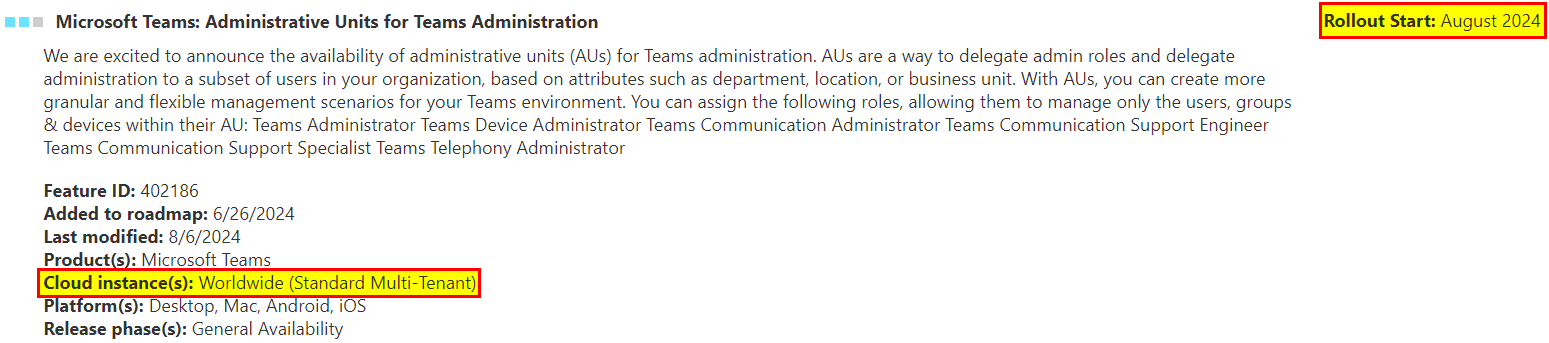
How to configure AUs to be used in Microsoft Teams?
To start, you have to go to Entra ID and create administrative units as required. E.g. sites, branch sites with Teams admins who like to manage their users on their own.
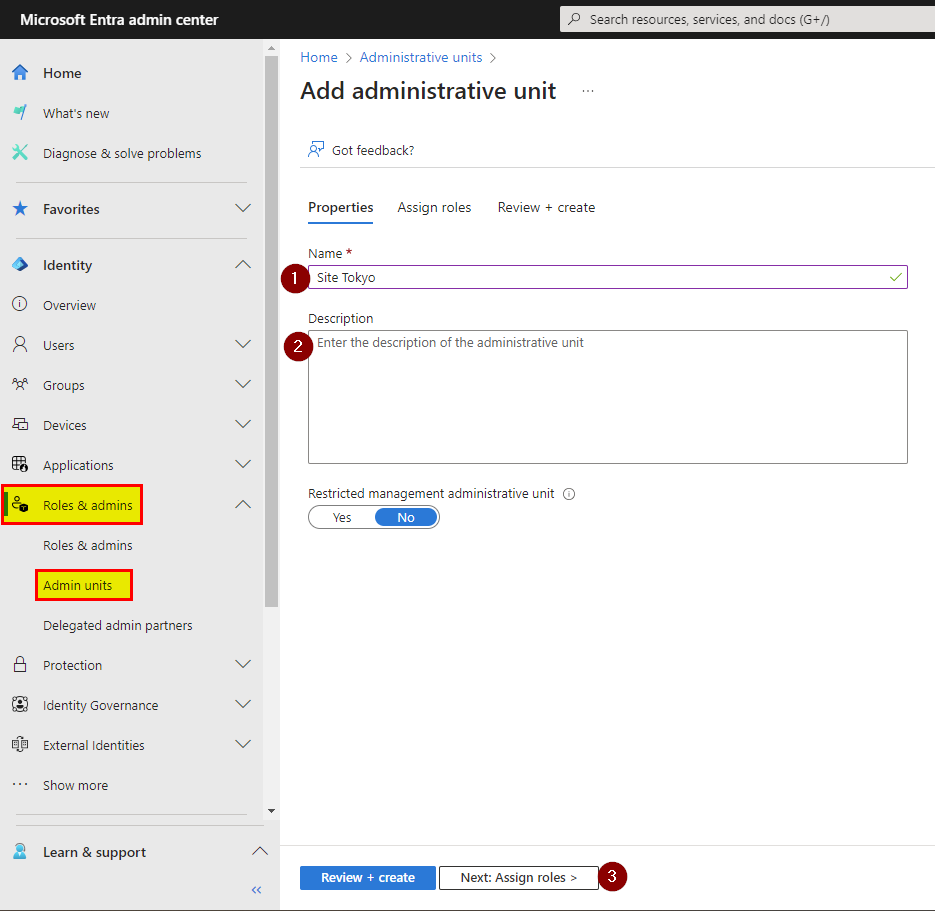


Now the AU is created and a Teams admin is assigned.
The next step is to add users to the AU.
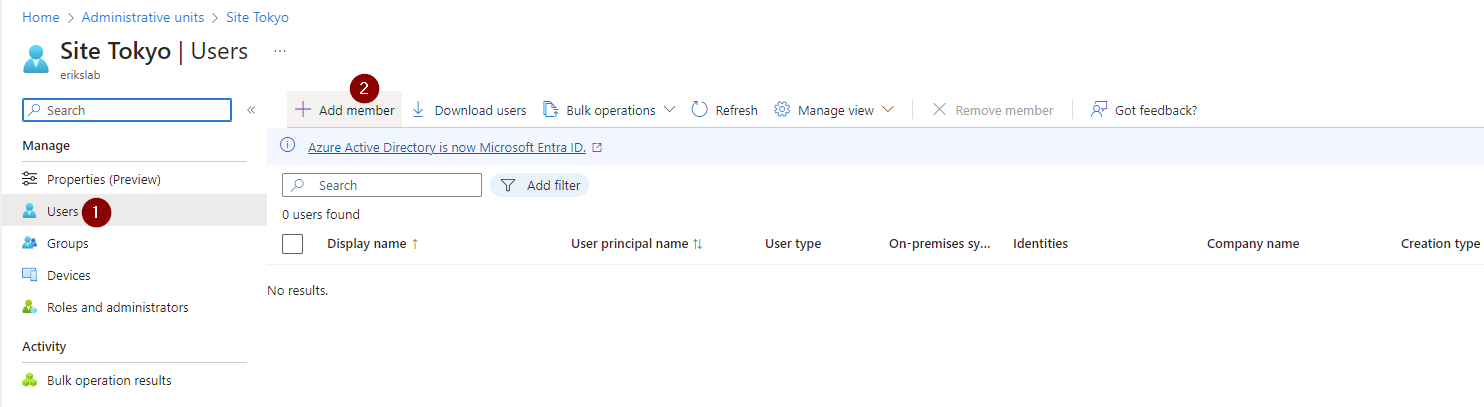
Finally, you might be a bit patient until it is applied.
In my current test was not directly able to login to the Teams Admin Center (TAC) in order to just manage the added user/s. I guess it is not yet available and rolled out in my tenant but probably soon. If it is there I might update this post to reflect the complete change and show you how it should look like. So stay tuned!







 erik365.blog
Comment / Kommentar verfassen