Microsoft Copilot in Teams Calls without transcription or recording

Microsoft Teams Phone users can make use of Copilot during calls but without enabling transcription or audio recording. This new capability is ideal for sensitive conversations where discretion is key but productivity must remain high.
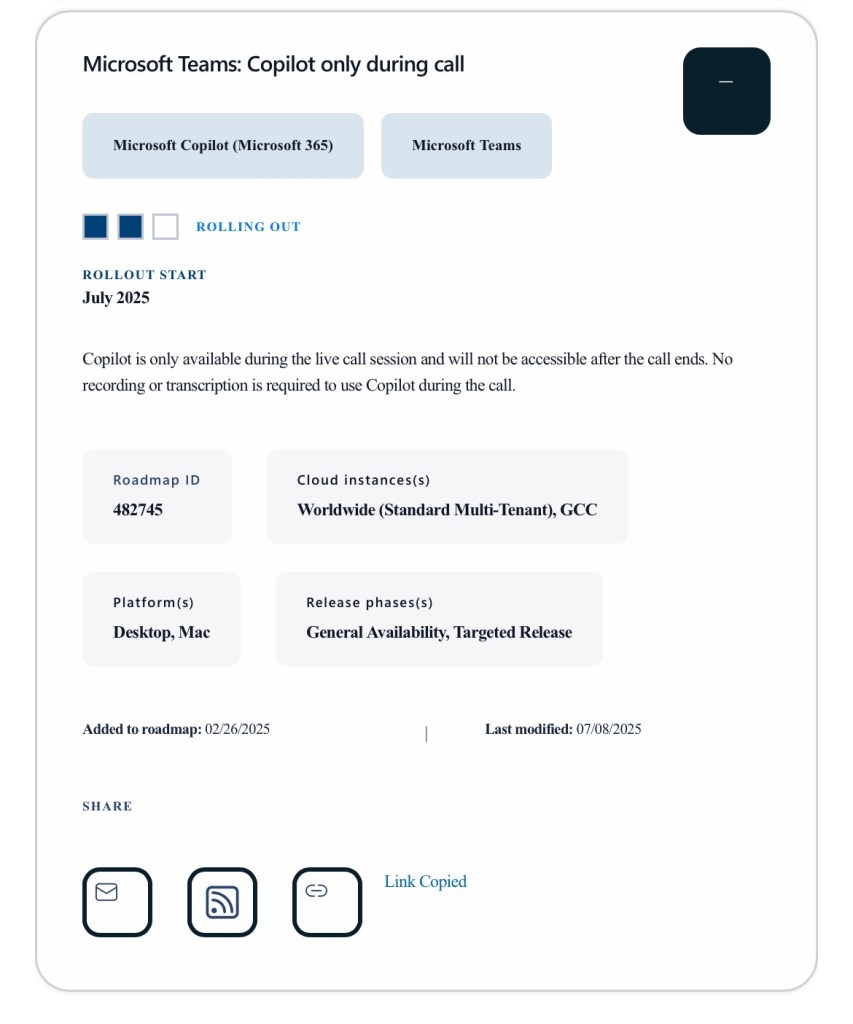
Source: https://www.microsoft.com/de-de/microsoft-365/roadmap

Once enabled by an admin in calling policies which (soon) should be found in the Teams Admin Center (TAC), users simply click the Copilot button in the header menu to activate it. Copilot then assists in real time by capturing key discussion points, identifying task owners, and outlining next steps and all without leaving a persistent record.

This feature requires active Microsoft 365 Copilot and Teams Phone licenses and is designed to support secure, efficient collaboration in dynamic business environments.


Resources


Discover more from erik365.blog

Subscribe to get the latest posts sent to your email.

One response to “Microsoft Copilot in Teams Calls without transcription or recording”

  1. […] Microsoft Copilot in Teams Calls without transcription or recording. Microsoft Teams Phone now lets you use Copilot during calls to capture discussion points, assign tasks, and outline next steps—all without transcription or recording. Once enabled by admins, you activate Copilot via the header menu. […]

    Like

Comment / Kommentar verfassen

I’m Erik

Welcome to Erik’s blog, your go-to space for curated updates and insights on Microsoft Teams, Copilot, and Microsoft 365. Join me as we explore the latest developments, share valuable information, and spread knowledge. This blog not only serves as a source of news but also as my personal collection of notes, openly shared with you all. Let’s elevate teamwork and productivity together!

Let’s connect




