In Miranda können Views erstellt und genutzt werden, um nur die Kontakte angezeigt zu bekommen, die man sehen möchte. Ein View beinhaltet bestimmte Filter und Kriterien für die Anzeige von Kontakten.
Im Regelfall braucht man diese Views nicht. Wenn man keine Views braucht, macht man die Leiste einfach aus, außerdem sieht Miranda ohne besser aus. Doch wo ist kann diese Leiste ausgestellt werden? Leider findet man keinerlei Option irgendwo in den Einstellungen.
So deaktiviert man die View Modes:

Die ungewünschte Leiste an der Kontaktliste
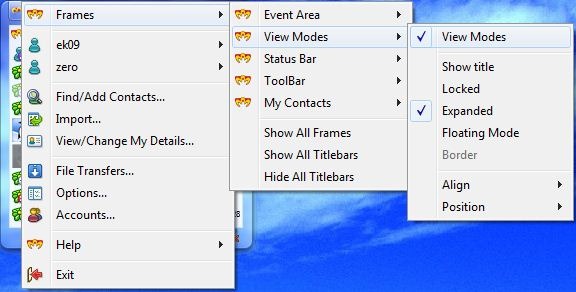
Miranda IM Main Menu öffnen –> Frames –> View Modes –> View Modes anklicken, um diese zu deaktivieren
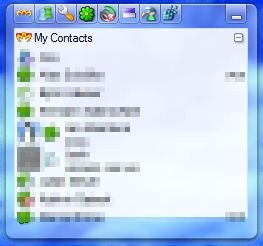
Erledigt!







 erik365.blog
Comment / Kommentar verfassen