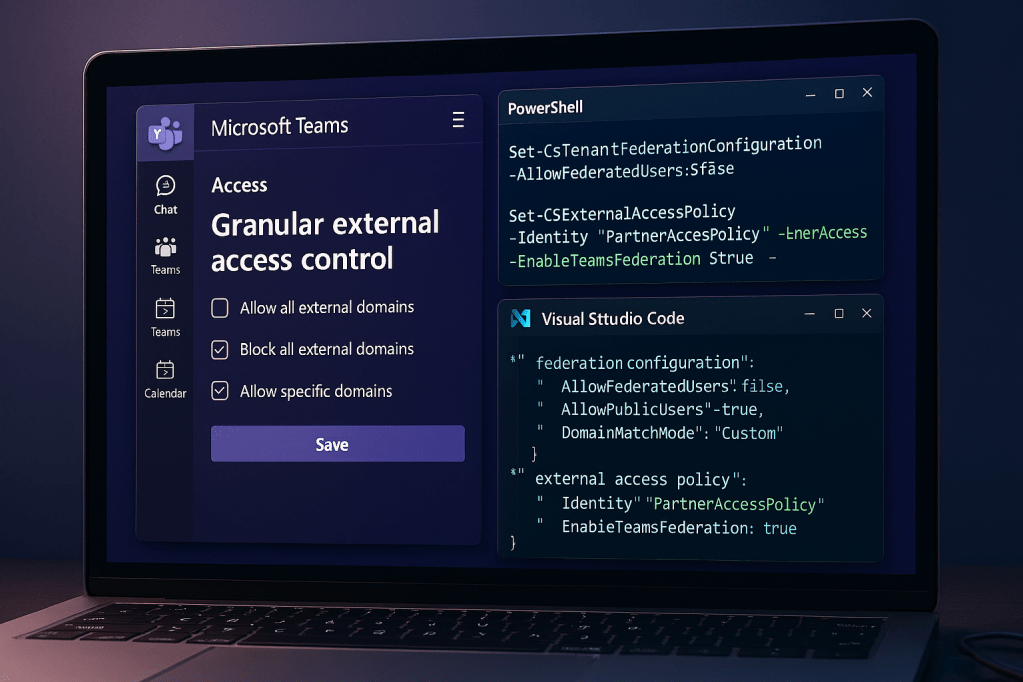
Microsoft is adding more granular configurations to External Access in Microsoft Teams. The wording “External Access” is misleading, in my opinion, because it is “just” federated chat. Nevertheless, if you are looking for ways to make External Access and Teams federated chats (1:1, group chats) a bit more secure, there is a new feature you might like to read about: Configure federated chat domains or external access domains differently for different users. The feature will be configurable via PowerShell first.
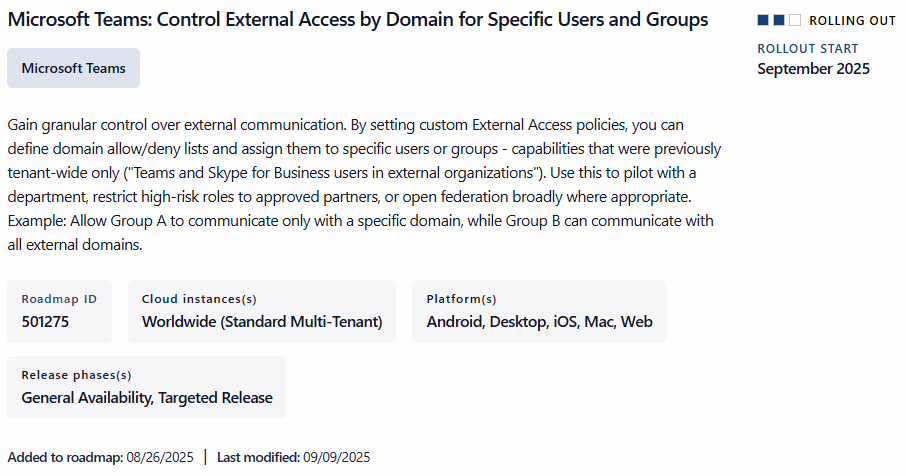
You will be able to define External Access Policies via Teams PowerShell to support similar configurations as you can already set globally:
- Use organization settings: Inherits the tenant’s default external access configuration
- Allow all external domains: All external organizations are trusted
- Allow only specific external domains: Only domains in the allow list are trusted
- Block only specific external domains: Domains in the block list are restricted; all others are trusted
- Block all: All external domains are blocked for users assigned to this policy
Teams PowerShell Cmdlets
To configure the policies for one of the above scenarios, you can use the following PowerShell cmdlets. You either need to create a new policy or modify an existing one.
- [GLOBAL SETTINGS]
Set-CsTenantFederationConfiguration - [POLICY SETTING]
Set-CsExternalAccessPolicy-Identity <PolicyName> -CommunicationWithExternalOrgs “” -AllowedExternalDomains/BlockedExternalDomains “”
Changes are not (yet) shown in Teams Admin Center (TAC).
Example
New-CsExternalAccessPolicy -Identity GranularFederationExample -CommunicationWithExternalOrgs “AllowSpecificExternalDomains” -AllowedExternalDomains @(“example1.com”, “example2.com”)
Set-CsExternalAccessPolicy (MicrosoftTeams) | Microsoft Learn
Set-CsTenantFederationConfiguration -CustomizeFederation $true
Resources
- IT Admins – Manage external meetings and chat with people and organizations using Microsoft identities – Microsoft Teams | Microsoft Learn
- Set-CsExternalAccessPolicy (MicrosoftTeams) | Microsoft Learn
- New-CsExternalAccessPolicy (MicrosoftTeams) | Microsoft Learn
- Microsoft 365 Message Center Notification ID MC1150123
- Microsoft 365 Roadmap ID 501275




 erik365.blog
Leave a reply to Microsoft Roadmap, messagecenter and blogs updates from 24-09-2025 – KbWorks – SharePoint and Teams Specialist Cancel reply