This post is about a managing Microsoft Team Teamplates. For this month, February 2021, new capabilities to manage Team Templates are about to be released, based on Microsoft 365 feature ID 70701 and 70698. PowerShell support for Team Templates will arrive based on ID 70698 and policy-based (template visibility) management based on ID 70701.
Manage Microsoft Team Templates using PowerShell
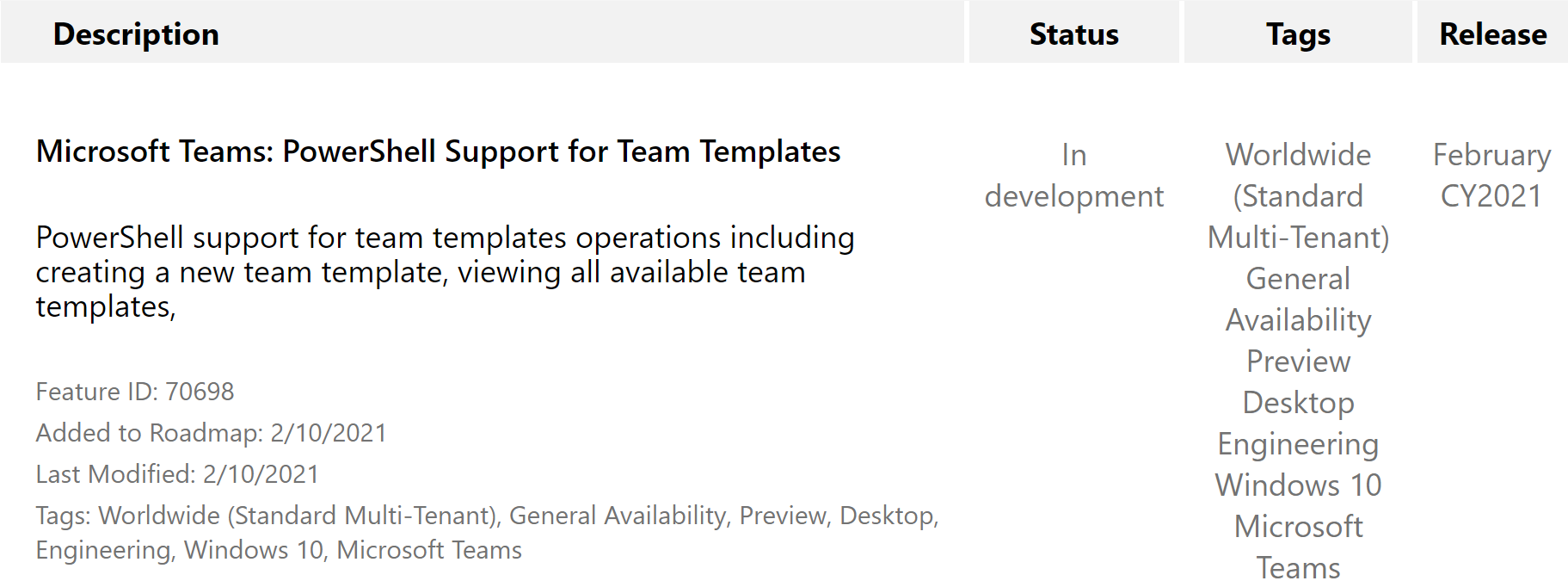
I have not yet found further details to this. The only note I’ve found in the Microsoft TechCommunity was that the New-Team cmdlet already includes the -Template parameter, but since 2018. So, I’ll probably update this post in the future as soon as more details in doc.microsoft.com also become available.
Manage Microsoft Team Template visibility using policies
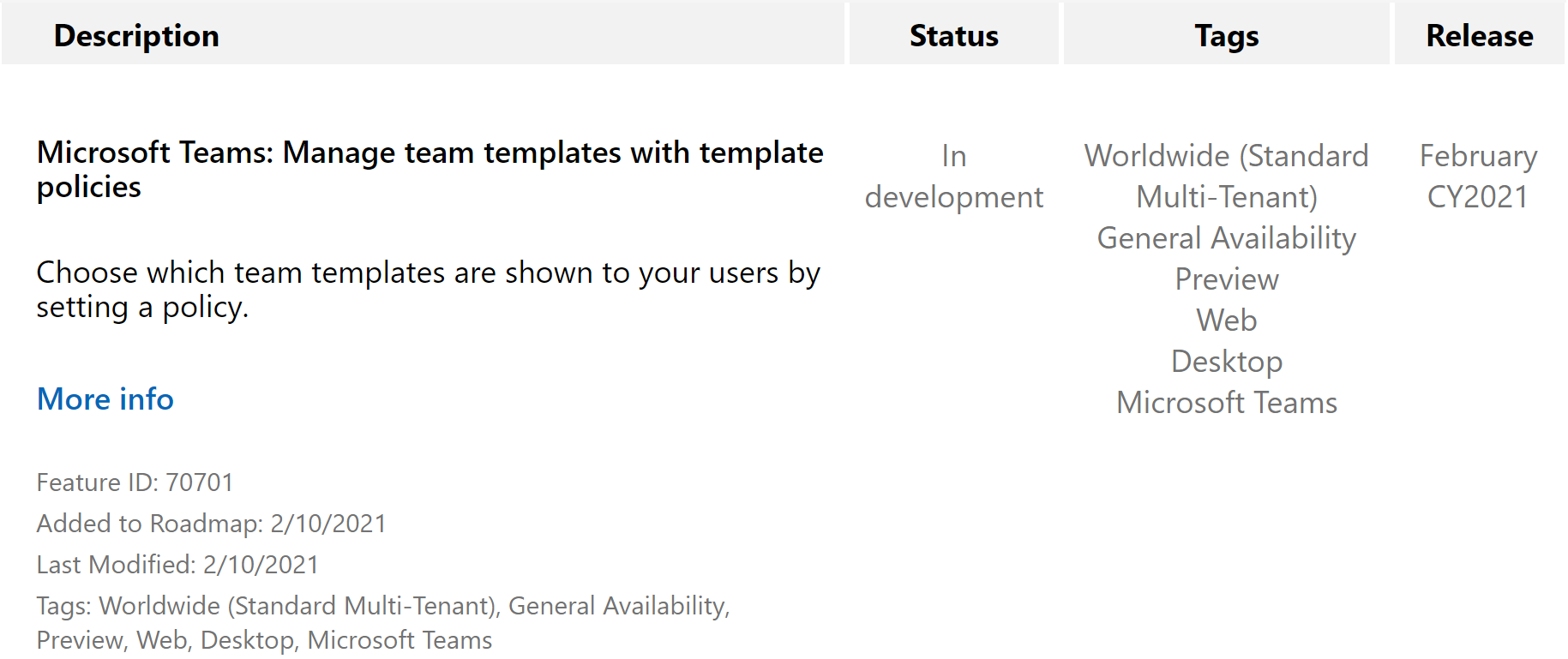
As far as I understand, this feature might add the policy section to the Team Templates area in the TAC (Teams Admin Center). And templates can be assigned to certain users after they’ve beend added to the policy which you created. So the policy might include certain Team Templates to be available for creation by the user which has the policy assigned for it. For details, see Create and manage Teams templates in the admin center.
Additional resources
- Team Templates for Microsoft Teams
- Microsoft 365 Roadmap Feature ID 70698
- Microsoft 365 Roadmap Feature ID 70701
- Create and manage Teams templates in the admin center
- TechCommunity – Teams Creation using a Template via Powershell
- Create team using Powershell
- Teams templates built in Microsoft Graph for Small and Medium Businesses
- Get started with Teams templates using Microsoft Graph







 erik365.blog
Comment / Kommentar verfassen