In this post I explain how you can enable sending mails with a mail alias in Microsoft 365 Exchange Online. This capabiltiy is very long awaited by many. When migrating from Exchange Server to Exchange Online many need to cope with the limitation that is was not yet possible to just send mails with a mail alias, proxy address or further mail address which is connected to a Microsoft 365 user account.
Till today you were able to only receive mails on your mail alias on Exchange Online. But now, you can configure your Exchange Online organization to send mails with aliases or proxy addresses, finally. All Microsoft 365 admins and consultants working with Exchange Online seem to go out and spread the word. 🙂 This is important because this feature is not on by default. That’s why you need to know so that you can enable it if your users and you want to have it. Thanks to Greig Sheridan, LazyAdmin blog and Expta blog for sharing this.

Enable Exchange Online to send with alias address
#Install EXO module
Install-Module ExchangeOnlineManagement
#Maybe restart your shell

#Import module
Import-Module ExchangeOnlineManagement

#Connect EXO
Connect-ExchangeOnline

#Get as-is EXO org config
Get-OrganizationConfig | fl Name, SendFromAliasEnabled

#Set
Set-OrganizationConfig -SendFromAliasEnabled $true

#Get as-is EXO org config (validate)
Get-OrganizationConfig | fl Name, SendFromAliasEnabled

#Disconnect EXO
Disconnect-ExchangeOnline
Example
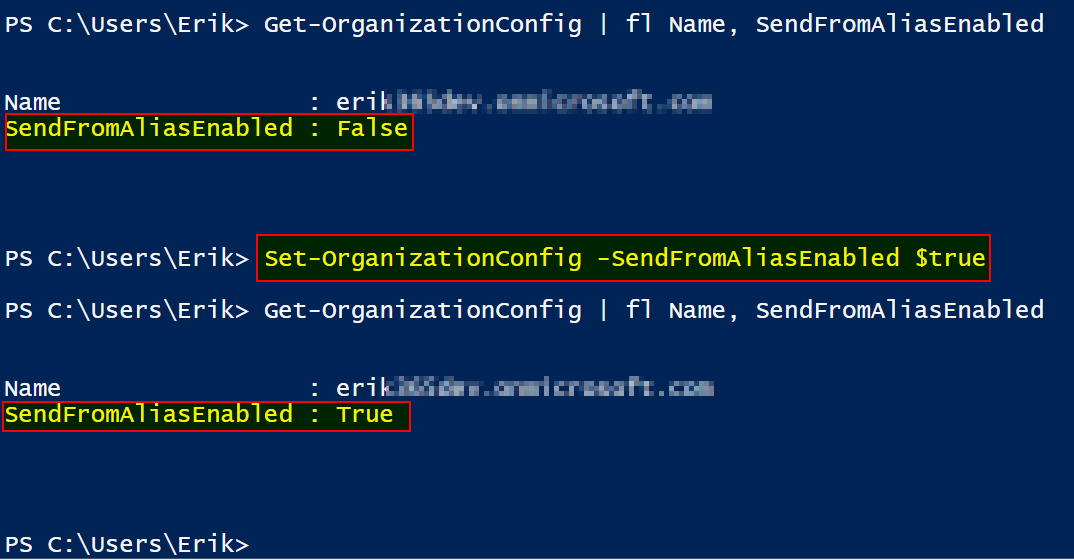
In my test the feature showed up a few minutes after enabling it.
Enable Exchange Online to send with alias address
Updated March 2023:
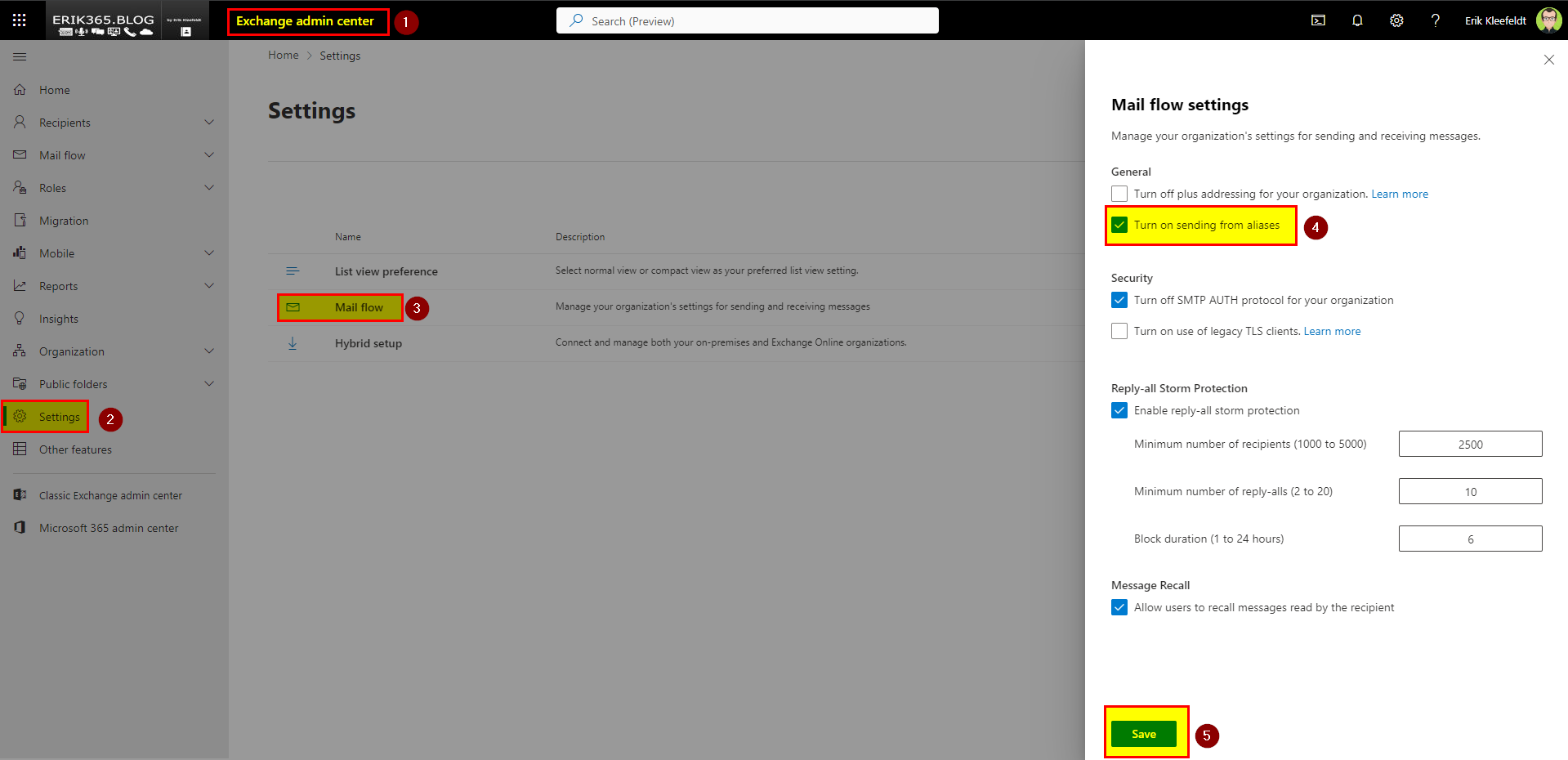
How can I enabled to send mails using aliases on Exchange Online? So far it was required to use the Exchange Online Management Shell. However, since a while ago you can now also configure this organization config via Exchange Online Admin Center as depicted in the next screenshot.
User experience – Send with an alias (using Outlook on the web)
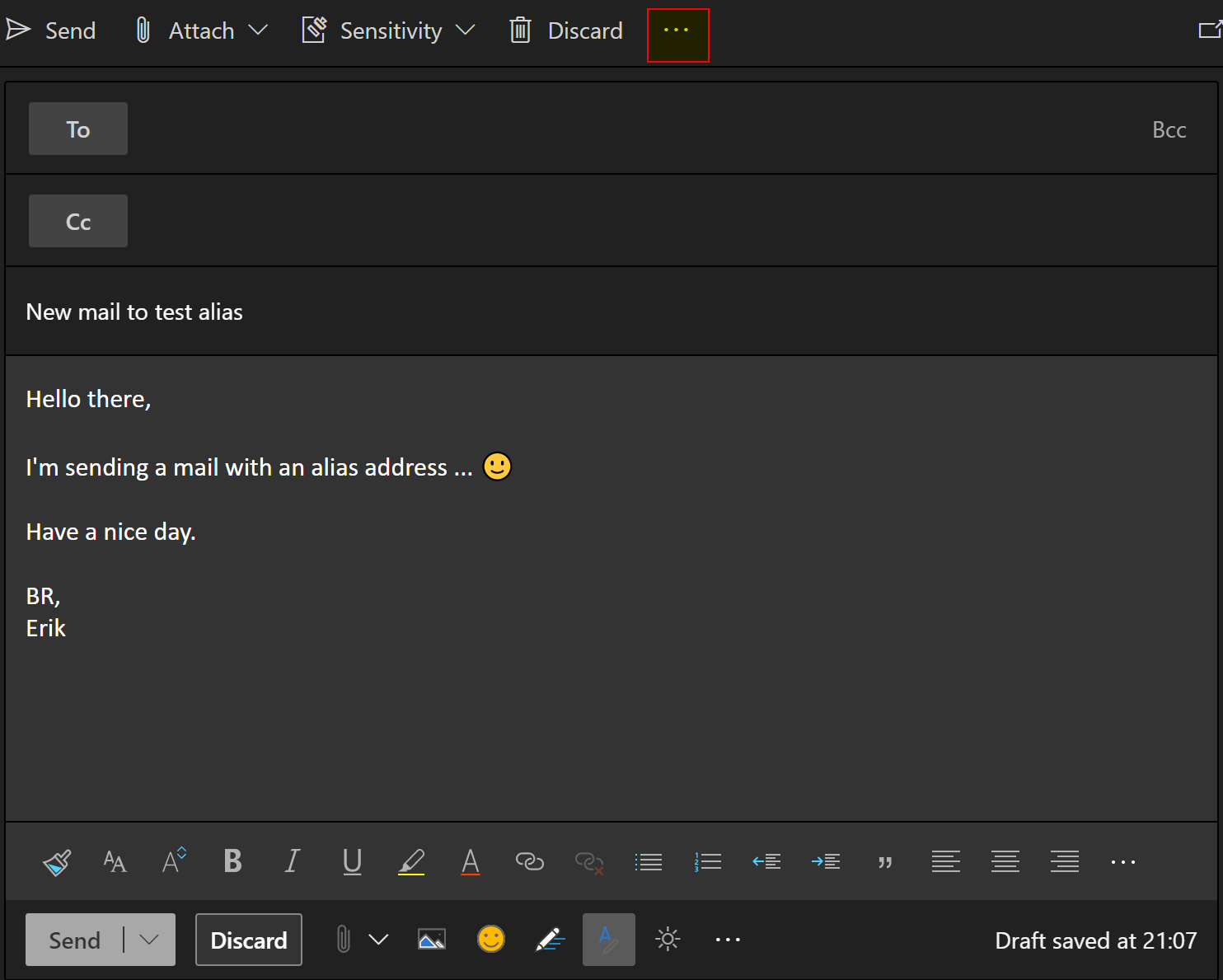
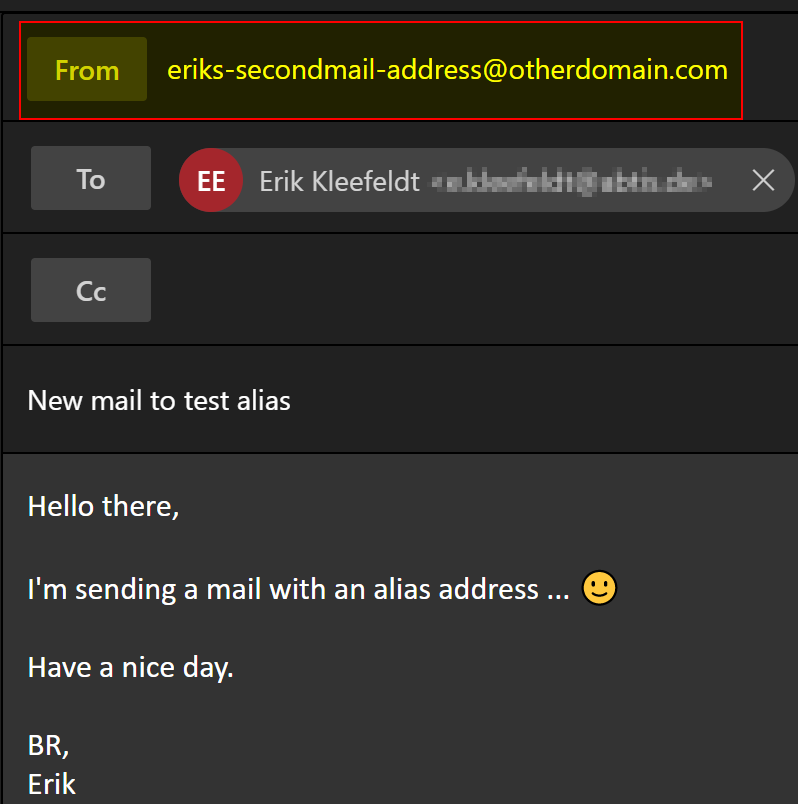
The following screenshots depict the look and feel for users. The example shows Outlook on the web, it works also with other Outlook apps.

Conclusion, opinion and summary
I’m glad that we can now send mails out with a mail alias address. Enjoy and let others know about small but extremly helpful Exchange Online mail feature.
Additional resources
- Set-OrganizationConfig (ExchangePowerShell) | Microsoft Docs
- Greig Sheridan auf Twitter: “You only have so many keystrokes in you between now and death. Start saving them up! Use 0 instead of $false and 1 instead of $true. Also, start using asterisks with ‘ft’ #PoSH #PowerShell https://t.co/Fijc5PCu1x” / Twitter
- Send as SMTP alias is now available in Exchange Online | The EXPTA {blog}
- How-to Send email from Alias in Microsoft Office 365 — LazyAdmin







 erik365.blog
Leave a reply to Send Email using Alias in Outlook 365 Web – Realidad Cero Cancel reply