
Today I stumbled upon “LDAP” in my new Outlook Client. Somehow I must missed that there is a LDAP connection getting to the new Outlook. Well, I did not search for it. Did you know? For which use case could this be useful? As always not each and every user and organization will need this but there are some use cases for this. Let’s take a look.
Current situation (as-is)
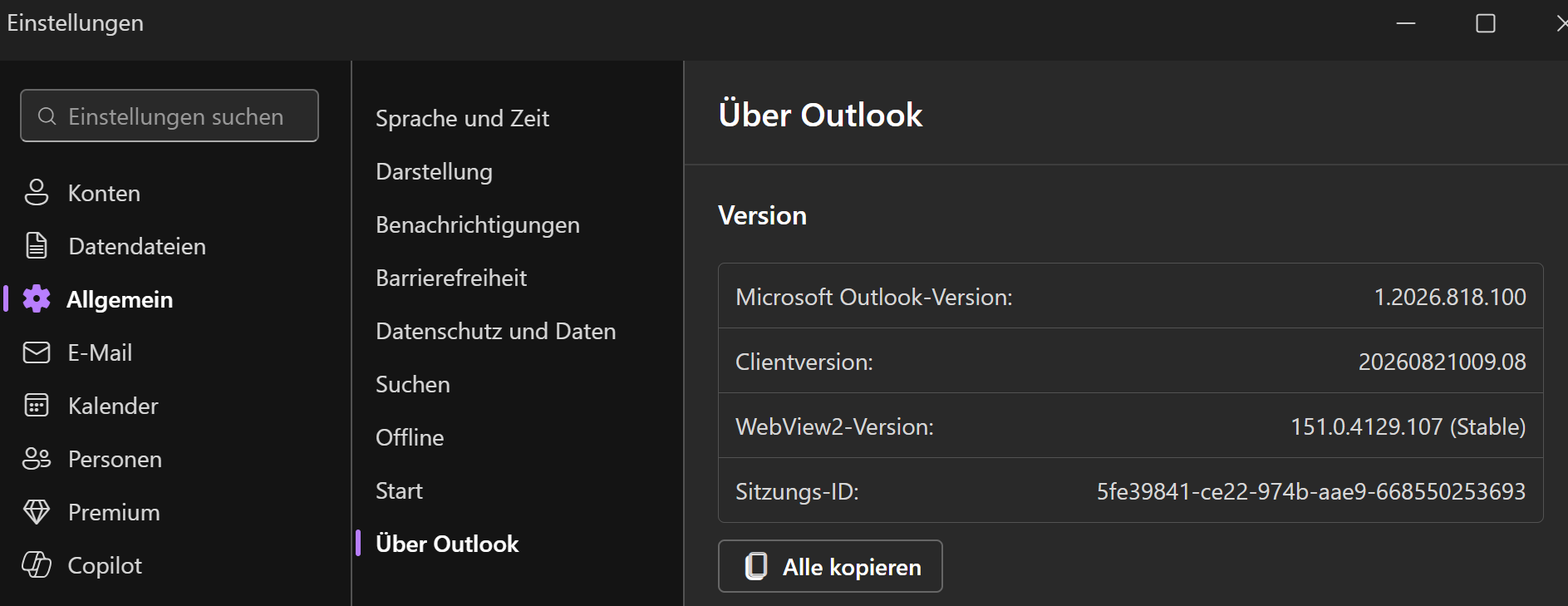
My Outlook wherein I noticed the chance has the following version: 1.2026.818.100
In the Outlook settings \ E-Mail you can find LDAP at the bottom.
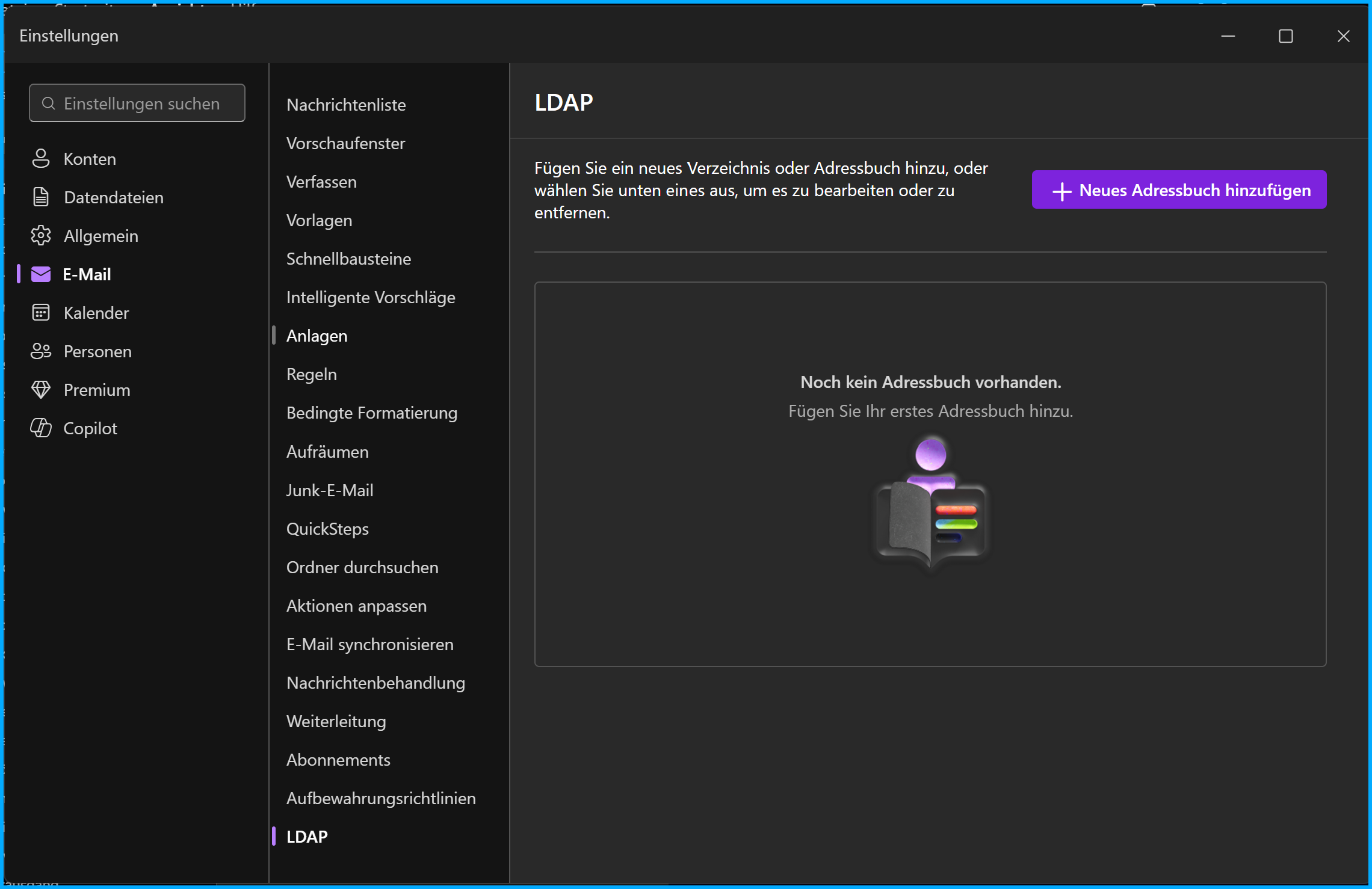
In this section you can add an LDAP server, e.g. a local LDAP server.
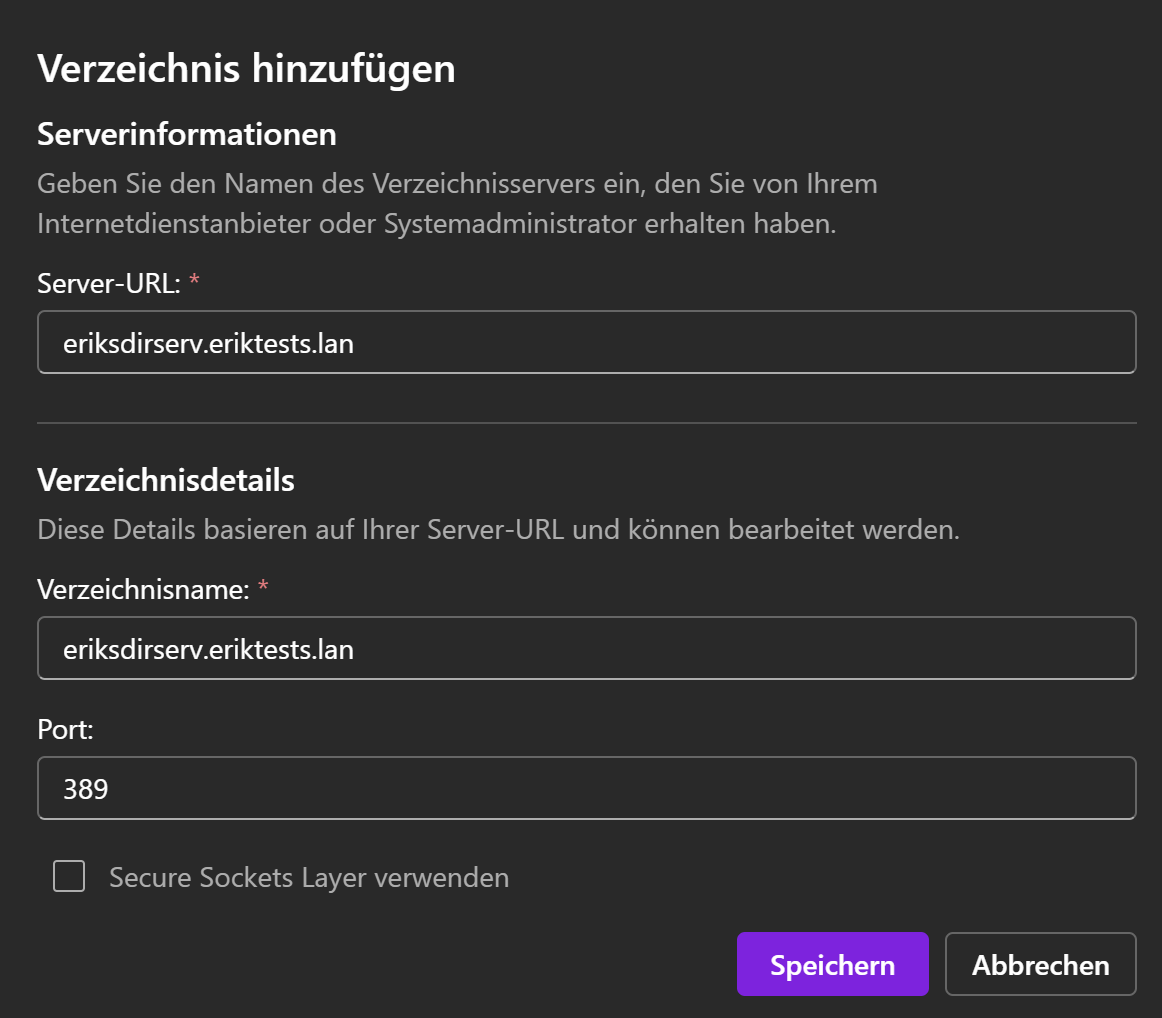
Well, in case it is a local server within the organizations network it cannot be used remotely without VPN, Direct Access, GSA or else allowing access to it. Also I would recommend to use, check and enable TLS/SSL but it require that you deployed certificates to the LDAP server (what you should definitely do!) and ensure that clients connecting trust the certificate used for the connection etc. I do not want to go in further details here regarding how to use certificates for a secure connection configuration.
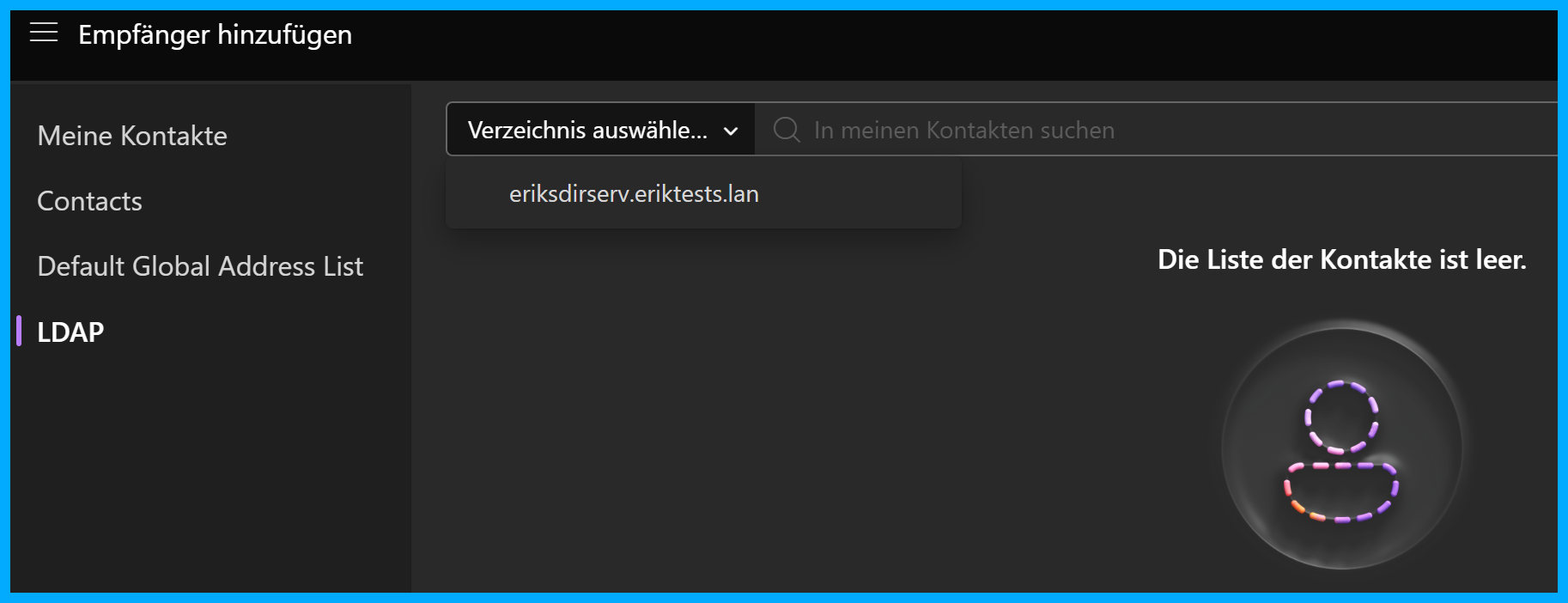
The LDAP directory can than be found and used if you like to lookup contacts to which you like to send a mail. It did not show up in my contacts space in the new Outlook. If you click on the “To” button in the new Outlook in a new mail you will see your Outlook contacts, the global address list and LDAP if configured. If there are any contacts provided by the LDAP server you will be able to see and select these here (see next screenshot).
Background?
I now did some reading and checking for some background details on this. I found out that this was GA since approximately May 2026. Based on roadmap ID 518287 “LDAP directory support for S/MIME certificate lookup”.
Use cases?
So that’s interesting because this is not focused on “Hey you like to have more contacts by attaching a LDAP to add some more contacts from a (meta) directory to Outlook”, no, it is for a more seamless S/MIME certificate lookup based on a LDAP directory. So it is related to easing the usage of S/MIME mail encryption. Not directly for additional contact object directories or address books.
In other words, this LDAP feature in the new Outlook is for S/MIME certificate discovery, not as a general corporate address book extenision or replacement. Outlook can query an LDAP directory to find a recipient’s public encryption certificate before sending an S/MIME encrypted mail.
It also might be good to know that it is for Outlook on the web, Outlook for Mac, iOS and Android.
Conclusion, opinion and summary
So, this capability is intended for S/MIME mail encryption. It allows Outlook to query an LDAP directory and automatically retrieve a recipient’s public certificate, so users can send encrypted mails without manually exchanging certificates. This especially useful in larger organizations which require S/MIME for security reasons and already use LDAP-based PKI. Finally it does not add new and extended address book capabilities for more extensive contact management but more comfort to send encrypted S/MIME mails.
Resoures
- Microsoft AI Roadmap 518287 LDAP directory support for S/MIME in new Outlook
- Open and use the address book in Outlook | Microsoft Support
- Add a directory service (LDAP) account in Outlook for Mac | Microsoft Support
- Add-LdapDirectory (ExchangePowerShell) | Microsoft Learn
- Configure S/MIME in Exchange Online | Microsoft Learn







Comment / Kommentar verfassen