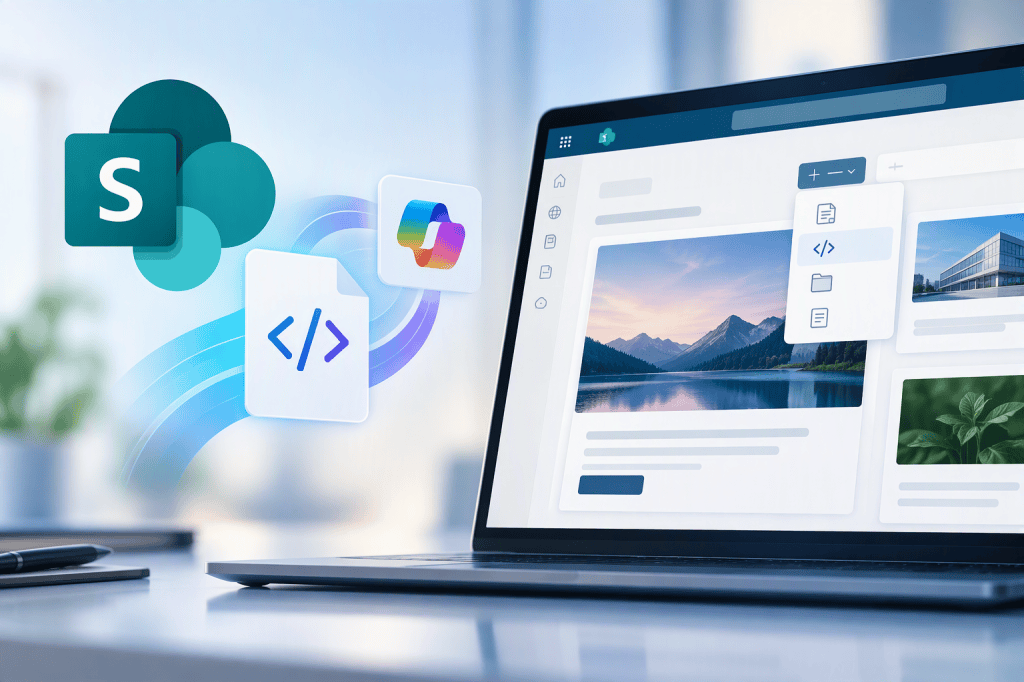
Something was announced which I have not expected for SharePoint Online. The introduction of native HTML page support in SharePoint Online, enabling users to create, upload, edit, publish, and share HTML pages directly from SharePoint. Did you see this coming? This new capability also includes Copilot-assisted page creation, offering a new way to build web content alongside existing modern SharePoint pages.
What’s Changing?
With this update, SharePoint authors can soon:
- Create a new HTML page directly from the + New menu in SharePoint.
- Generate HTML pages using Copilot in SharePoint.
- Upload existing
.htmlfiles created in other tools. - Edit page content directly or use Copilot for content and design refinements.
- Publish and share HTML pages with users who already have access to the site and page. Publishing does not grant additional permissions.
HTML pages will be stored in the existing Site Pages library and follow the same SharePoint permissions and governance model already in place.
Rollout Timeline
Microsoft plans the rollout the public preview in early October 2026 and make it generally available (GA, worldwide) starting from Mid-November 2026 through late December 2026. As this will become a public preview first, things are subject to change at any time and also the the feature’s general availability could be also subject to change at any time.
What’s the impact for organizations?
This feature provides an additional publishing option for SharePoint authors and introduces a more flexible way to create web content. Organizations using Microsoft 365 Copilot could leverage natural language prompts and supporting files to generate HTML page drafts and continue refining them directly within SharePoint.
Administrators should be aware that access to Copilot-assisted HTML page creation depends on existing Copilot licensing, SharePoint permissions, and organizational controls. No administrative action is required before rollout.
Conclusion, Opinion and Summary
This is an interesting and (to me) unexpected enhancement for SharePoint Online content creators. The ability to create and manage HTML pages directly within SharePoint, combined with Copilot-powered authoring, introduces additional flexibility for publishing web content. At the same time, organizations should review their authoring guidance, governance processes, and Copilot licensing strategy to ensure users understand how HTML pages fit into their existing SharePoint publishing model.
The most important point remains unchanged: publishing a page does not modify permissions. Existing SharePoint access controls continue to determine who can view published content.







Comment / Kommentar verfassen