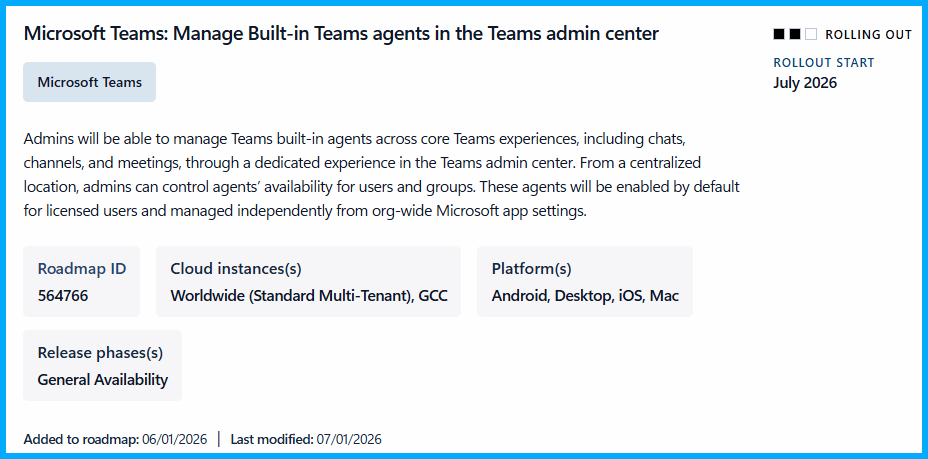
In the era of AI, agentic AI, developments and changes are released at a rapid pace. Staying on top of things is a challenge especially governing agents here and there. For Microsoft Teams a new capability to centrally govern built-in agents was recently announced as you can read in the Microsoft 365 message center notification MC1387573. It says that Teams admins get controls for Teams built-in agents to manage these by utilizing policies, user or group access assignments while also having more visibility for compliance purposes.
Currently the change is not available. At least not in lab tenant. The roadmap as well as the message center notification says that the rollout is scheduled to start in July 2026.
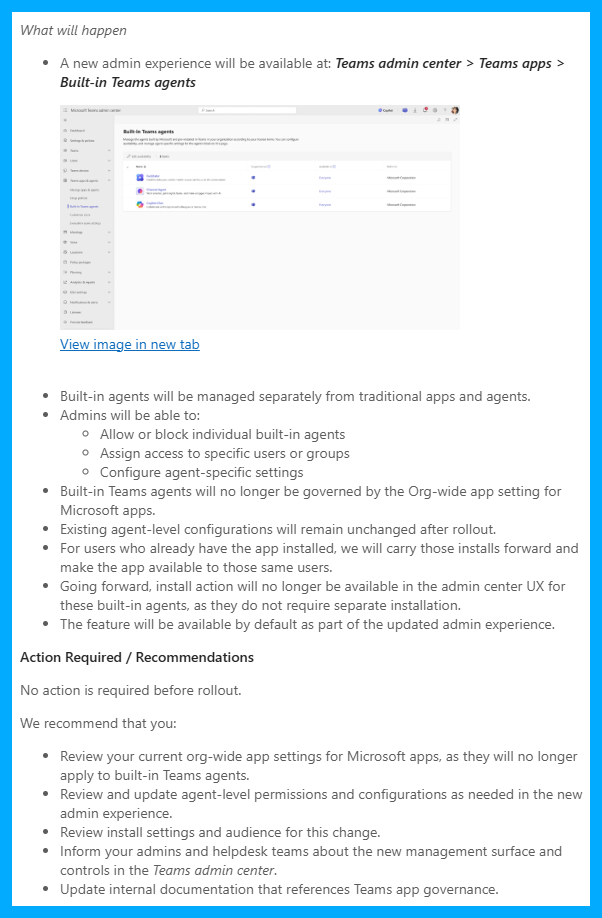
You will notice this in your tenant, your Teams Admin Center, as soon as you get a new menu on the left blade Teams admin center > Teams apps > Built-in Teams agents. Based on the message center notification it look very similar to the Teams app management.
Before and after the capability arrives in your Microsoft 365 tenant and Teams Admin Center there are few things you should do, three of them which are rather important are:
- review your current org-wide app settings for Microsoft apps
current org-wide app settings are no longer applied to built-in Teams agents - review and update agent-level permissions and configurations with the new controls
- review settings and persons for this change
Conclusion, opinion and summary
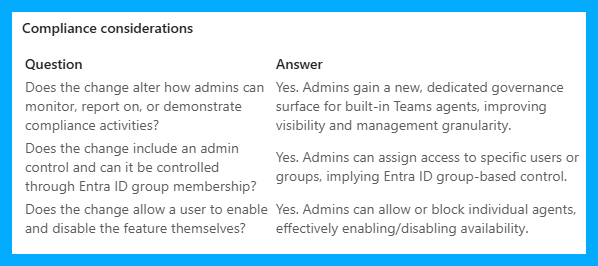
In my opinion this can be a beneficial capability if you, as a Teams Admin, are required to configure more granular access and policies for built-in Teams agents. A common use case could be that you might want to introduce, allow and deploy built-in agents on your terms, step-by-step or in phases in conjunction with a suited change and adoption plan to ensure users know how to use these agents.
However, I guess that many companies with the licenses might already have all of built-in agents enabled, not disabled? Now switching the approach, disabling built-in agents and planning to deploy these later on should be done with proper preparation and cautiously because turning it off might cause users being frustrated and irritated. Users might wonder: Why is something is gone out of a sudden, why was it taken away and now I have to ask for it? Better keep that in mind before implementing controls and governance after built-in agents might be widely in use.










Comment / Kommentar verfassen