
Microsoft recently added a diagnostic tool for Teams Desk Phones on Android to the Microsoft Remote Connectivity Analyzer (MRCA). It enables a Teams phone user or a IT Pro to troubleshoot sign-issues for a specific account. The following aspects are checked by the MRCA:
- Sign-in check
- conditional access status check
- Intune device compliance policy check
- device registration check
- sign-in event on Teams Desk Phone on Android
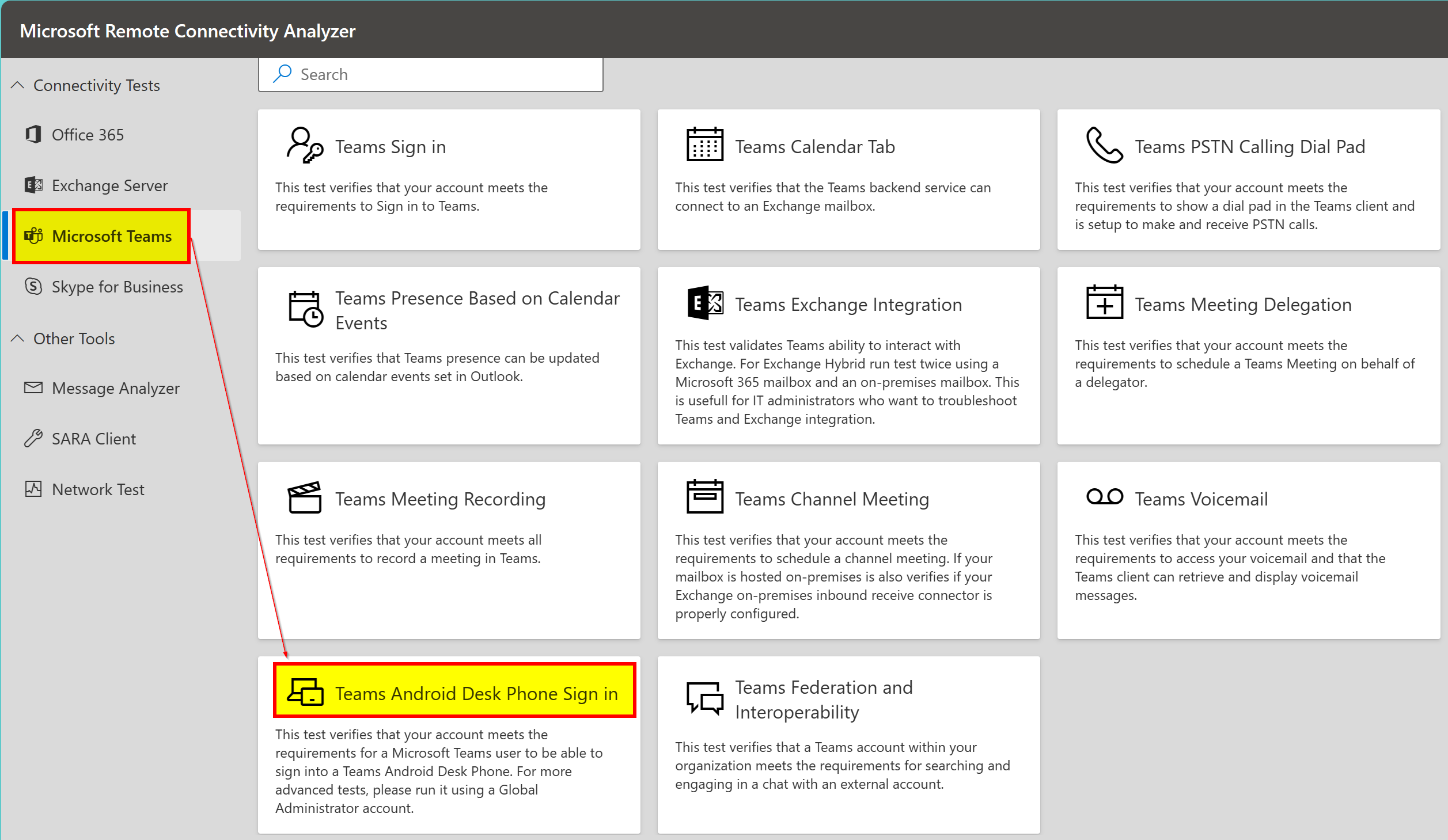
If you go to https://testconnectivity.microsoft.com/tests/teams it should look like depicted in the following screenshot below. There you can find a button called Teams Android Desk Phone Sign-In.
On the next screen you can sign-in and enter further required information as displayed. It is interesting to read that there are more advanced tests if you run it with a global admin account. I just wonder if this works with a global admin account which has no licenses at all assigned? Well, you probably need to use a specific user who can request a global admin by using privileged identity management (PIM) for a defined period of time who also has the required Teams phone licenses.

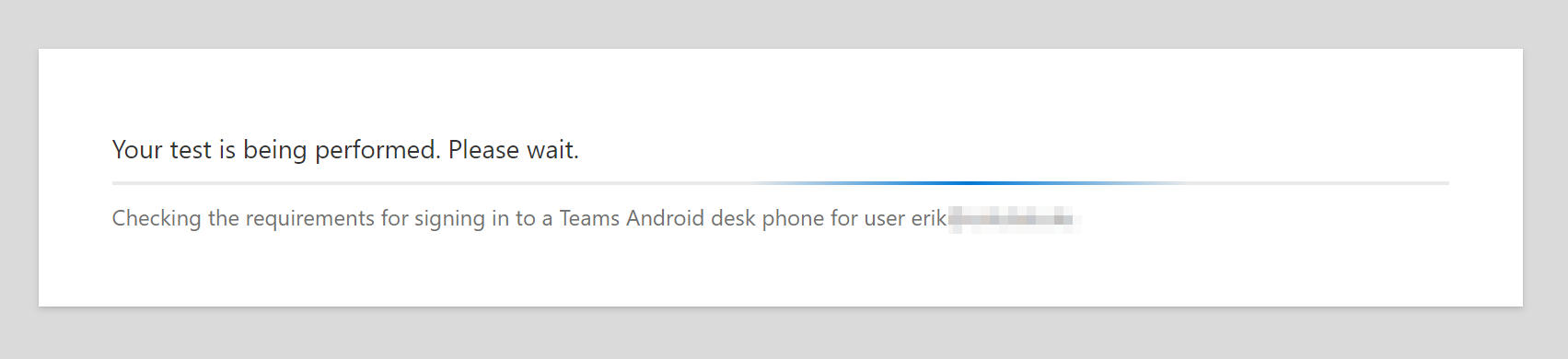
After sign-in the test is carried out and results are presented.
The summary can be expanded so that you can read more details.
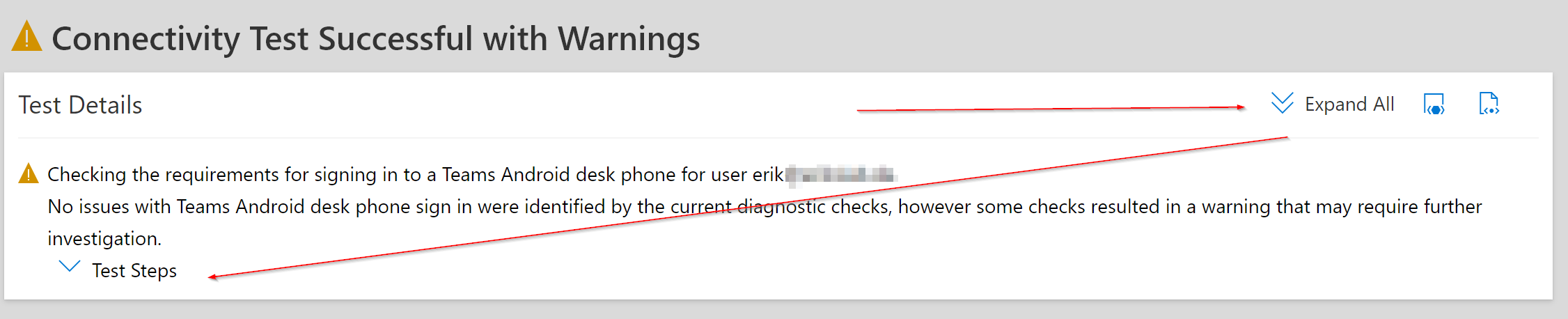
I did not expand everything in the next screenshot.
It says my conditional access policies are not alright for Teams Desk Phone on Android. Which is valid for the user.

If there are any errors or warnings you can expand it. The outputs and results are based on the Graph API service so in case something is not alright you can dig in deeper to analyze and later on resolve the issue.
Note on MRCA Teams federation and interop diag
Besides the Teams Android Desk Phone Diagnostics Microsoft also added a Teams Federation and Interoperability diagnostic tool.





 erik365.blog
Leave a reply to Teams Android Desk Phone Diagnostic in Microsoft Remote Connectivity Analyzer – erik365.blog – JC's Blog-O-Gibberish Cancel reply