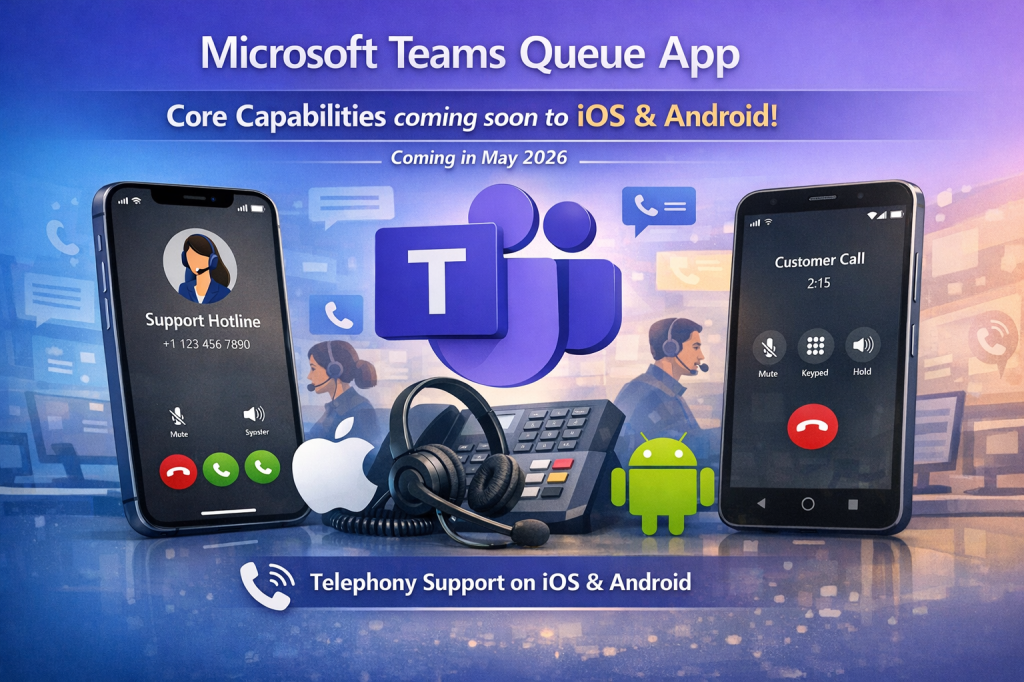
Microsoft is expanding the Queues app in Microsoft Teams to mobile devices, enabling agents and supervisors to manage call queues directly from the Teams app on iOS and Android. This update brings essential call-handling capabilities to mobile-first and on-the-go workflows.
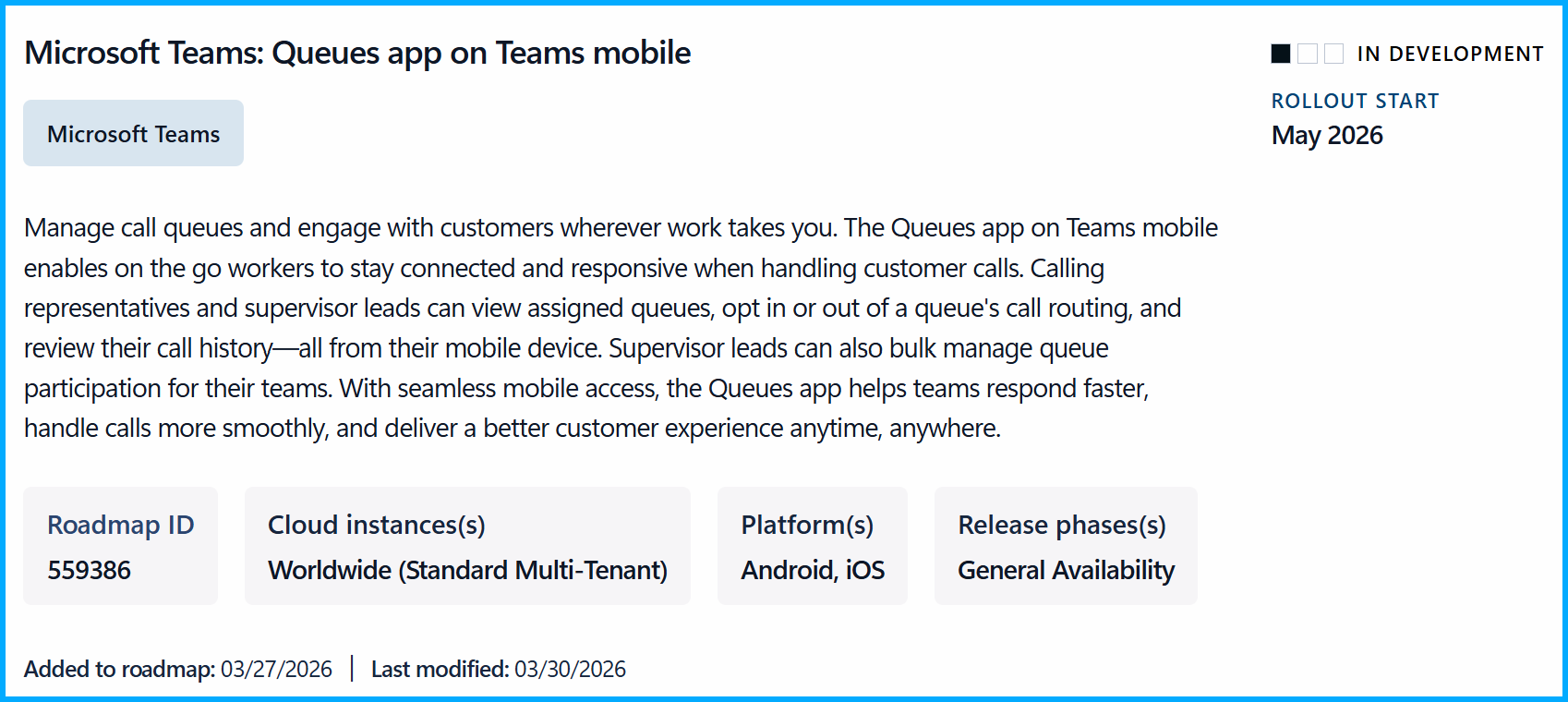
With this update, Teams mobile users gain access to core Queues functionality that was previously limited to desktop:
- View and manage assigned call queues directly from the Teams mobile app
- See queue details, including the full list of queue members
- Review queue-related call history on mobile devices
- Opt-in or out of queue call while on the go
In addition, supervisor leads can bulk-manage queue participation for their teams from their mobile devices, making it easier to respond quickly and keep service levels high even away from a desk.
Who is benefits?
This change applies to:
- Organizations using Microsoft Teams Phone
- Users licensed with Teams Phone and Teams Premium
- Calling representatives/agents and supervisor leads
- Users of the Teams mobile app on iOS/Android
Rollout timeline
General Availability (Worldwide): Rollout starts in mid-May 2026 and is expected to complete by late May 2026.
What you need to do?
No action is required. The feature is enabled by default and respects existing licensing, policies, and administrative controls. Optionally, you may want to:
- Ensure affected users are properly licensed
- Inform call agents and supervisors who rely on mobile workflows
- Update internal helpdesk or user documentation to reference mobile queue management
Conclusion,opinion and summary
By extending queue management to mobile, Microsoft enables faster response times, greater flexibility for call agents and supervisors, and a more consistent customer experience regardless of location.





Comment / Kommentar verfassen